 WP Duet
Sooner or later a client runs their site through Google PageSpeed Insights, sees a score of 48 in red, and emails you. The score is real, but it’s rarely the whole story, and chasing 100 can waste days on changes visitors never notice.
Lab data and real visitors
A PageSpeed report has two halves. The score at the top is lab data: a single simulated load on a throttled phone connection. It varies from run to run and is designed to be harsh.
Where there’s enough traffic, the report also shows field data from real Chrome visitors over the last 28 days. That’s what Google uses, and it’s what your client’s visitors actually experience. If the field data passes, the site is in good shape whatever the lab score says.
The three numbers that matter
- Largest Contentful Paint (LCP): how long until the main content appears. Aim for under 2.5 seconds.
- Interaction to Next Paint (INP): how quickly the page responds to taps and clicks. Aim for under 200 milliseconds.
- Cumulative Layout Shift (CLS): how much the page jumps around as it loads. Aim for under 0.1.
Fix whichever one fails, in that order. Everything else in the report is advice on how to improve these three.
Fixes that help most WordPress sites
- Response time. If the site takes more than about 600 ms to send the first byte, nothing else will save the page. Page caching or a faster host comes first.
- The hero image. Serve it at the size it’s displayed, in WebP or AVIF, and don’t lazy-load it.
- Unused plugins. Each one can add scripts and styles to every page. Remove what isn’t used.
- Third-party scripts. Chat widgets, trackers and embedded videos are often the biggest cost. Load them later, or not at all.
- Image dimensions. Set width and height on images and embeds to stop the layout shifting.
Explaining it to clients
Show the field data if there is any, explain which of the three numbers needs work, and give an estimate for fixing it. Clients care much less about the score once they know whether real visitors are affected.
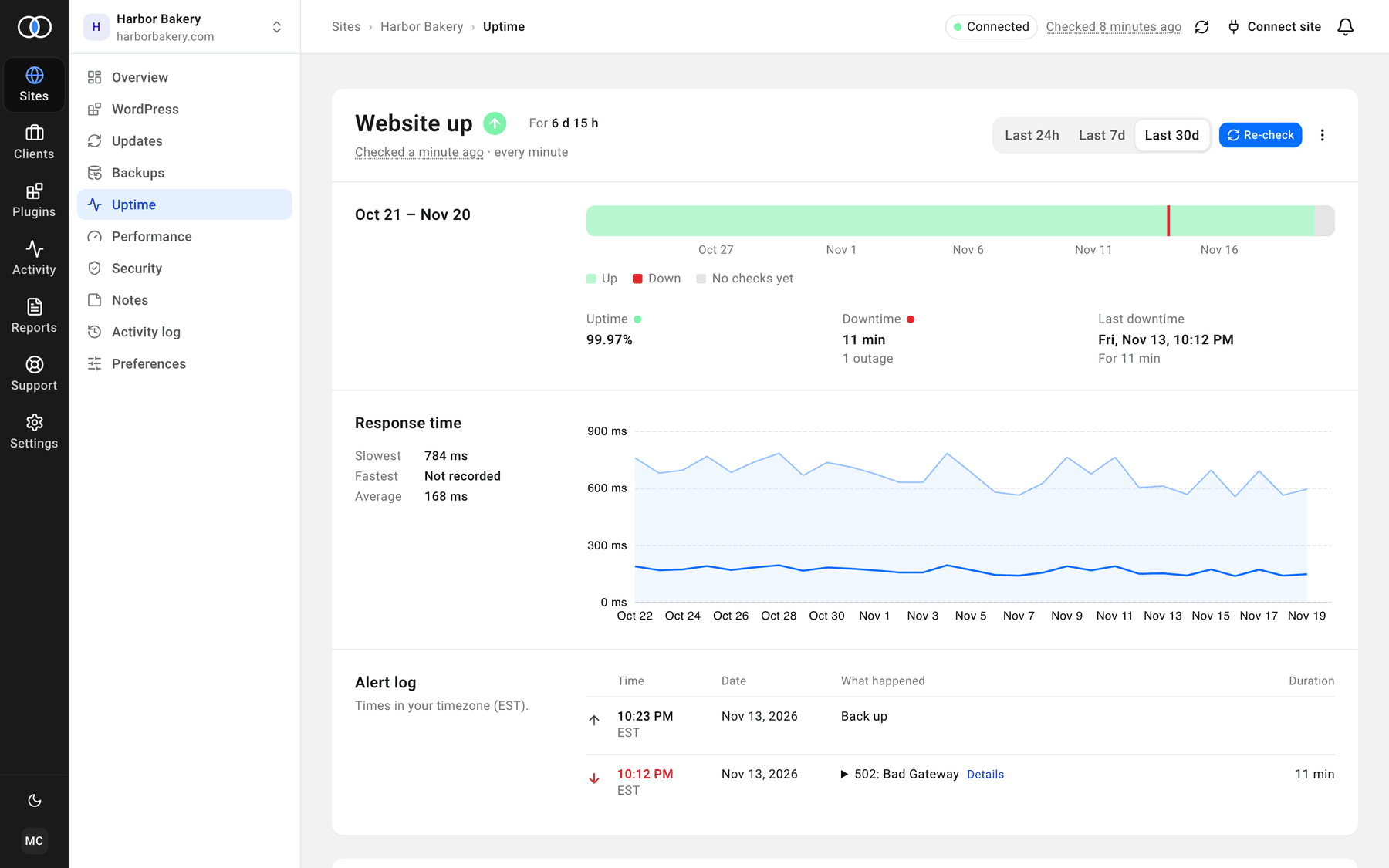
Track the trend, not single runs. WP Duet runs PageSpeed audits and keeps a response-time history for every site, so you can see when a site starts to slow down. More on the monitoring page.