 WP Duet
A care plan is mostly invisible work. When it goes well, nothing happens: the site stays up, the updates go in, the backups run. That’s the point, but it makes the work easy to undervalue.
A monthly report is how the client sees what they’re paying for. Done well, it’s also the best tool you have for keeping care-plan clients for years.
Lead with a short, human note
Put two or three sentences at the top, in plain language, written by you. Most clients will read nothing else, so make it count:
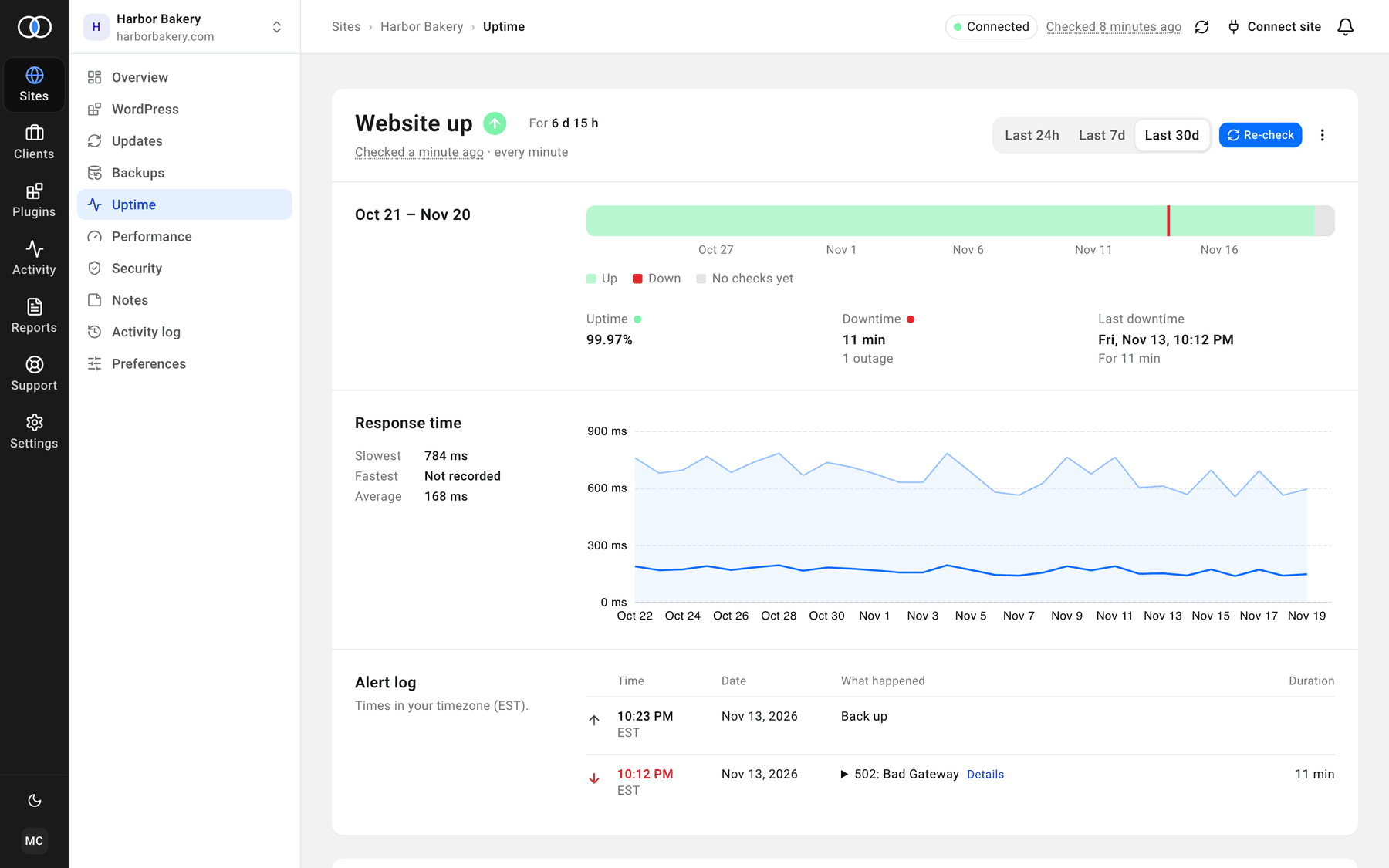
“Your site was up all month apart from an 11-minute blip on the 30th, which your host fixed. We installed 14 updates, including a security fix for WooCommerce. Nothing needs your attention.”
That note does more for renewals than any chart.
What to include
After the note, give the evidence. Keep it to what a business owner cares about:
- Uptime as a percentage, with any incidents explained in a line.
- Updates installed, with security fixes called out separately.
- Backups: how many ran, and the date of the latest.
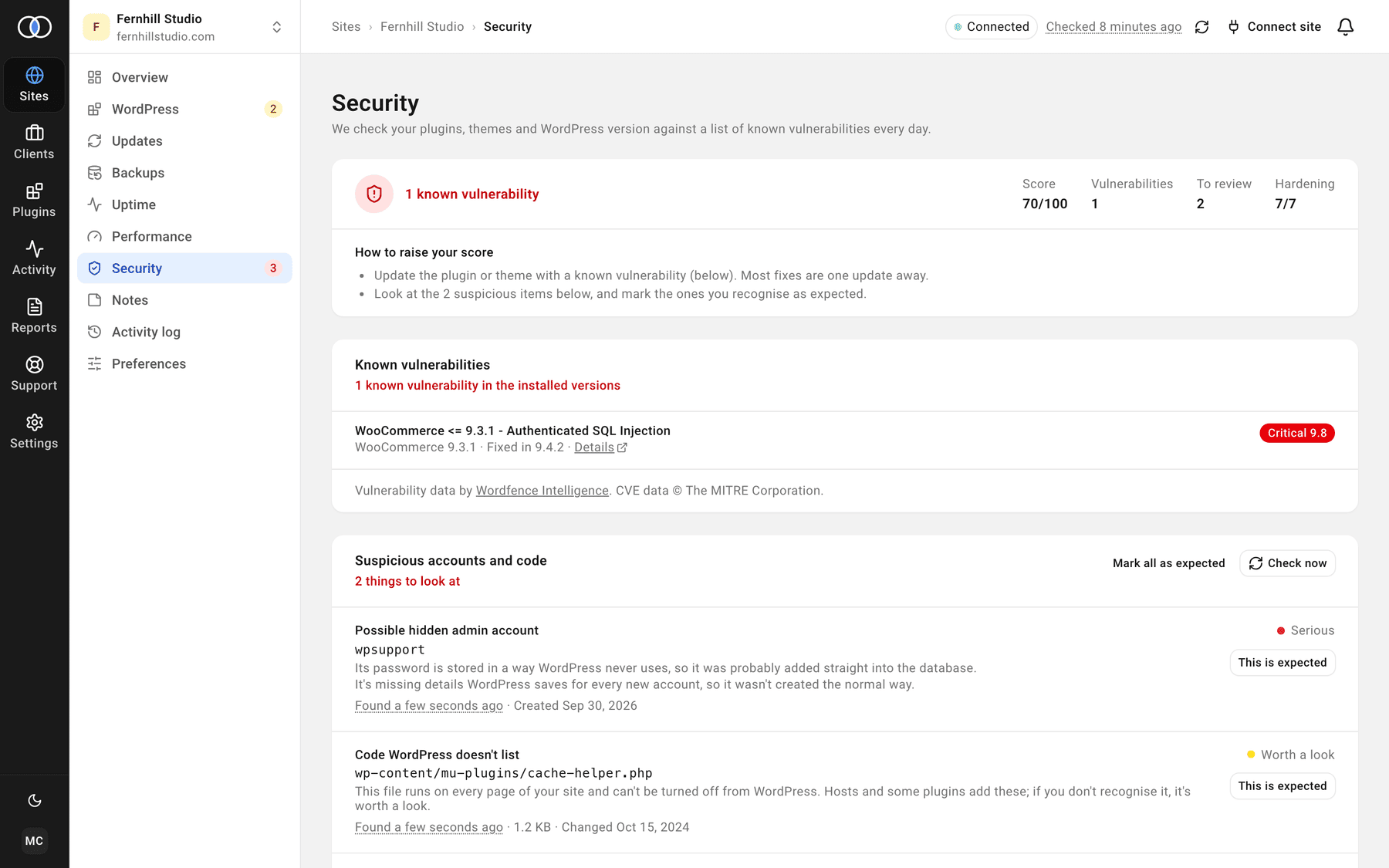
- Security: any issues found and what you did about them.
- Anything coming up, such as a domain renewal or a plugin that needs replacing.
What to leave out
Long lists of plugin names and version numbers belong in your records, not the client’s report. So do technical scores the client can’t act on. If a number needs a paragraph to explain, it probably doesn’t belong in the report at all.
Send it at the same time every month
Consistency matters more than polish. A plain report that arrives in the first week of every month builds more trust than a beautiful one that turns up when you remember.
Put your brand on it, so it’s clearly your work rather than a tool’s, and send it as a link or a PDF, whichever your client prefers.
Use it in conversations
Reports are also a record. When a client asks whether the care plan is worth it, twelve months of reports answer the question for you. When they ask for a redesign, the report shows which pages are slow and which plugins are causing trouble.
WP Duet drafts last month’s report for every client on the 1st, in your brand colour. You add your note, then share the link or print it to PDF. More on the client reports page.